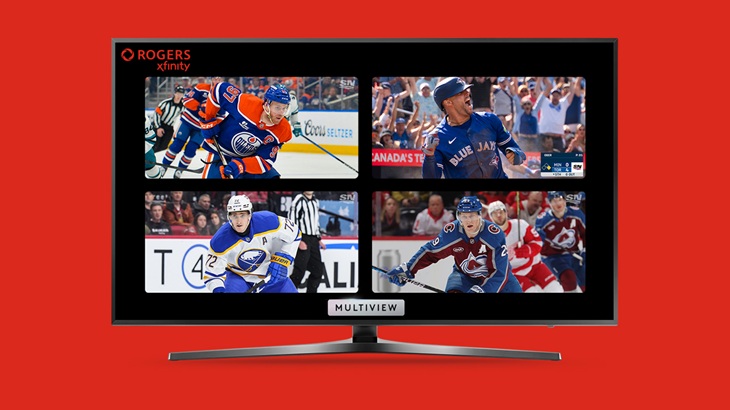
Rogers announced last week the expansion of its Rogers Xfinity Multiview feature, allowing Xfinity TV customers to now watch up to four live sports games at once on one screen via their set-top box.
Rogers Xfinity customers can use their voice remote to access Multiview and select up to four live sporting events from a pre-determined list on Sportsnet. Customers can also access the feature by selecting a Multiview banner or tile on their set-top box homepage or in the guide. Once customers are using Multiview, they can spotlight, select audio and switch between feeds without changing the channel. More information about the feature is available here.
“Rogers Xfinity is the best entertainment experience and gives sports fans the best seat in the house,” Bret Leech, president of residential at Rogers, said in a press release. “With Multiview, customers can select up to four games to watch all at once — no need to flip channels or choose between teams.”
The expansion of Rogers Xfinity Multiview comes as the 2026 Stanley Cup Playoffs and NBA Playoffs begin, and with the Toronto Blue Jays 50th season now underway.
Rogers Xfinity introduced its Multiview feature during last year’s Stanley Cup Playoffs, allowing Xfinity customers to watch two games at once on a split TV screen.
Image via Rogers’s website